Do I need an account to make a purchase on KKday?
Yes, you do. To make a purchase on KKday, you must first create a KKday account and become a member.
How can I reset my password if I've forgotten it?
Select 'I forgot my password,' enter your email, and click 'Reset my password.' Check your email for instructions.
Can I update the email address associated with my KKday account directly?
Currently, direct editing of the email address on your KKday account is not possible.
How long does it take to receive confirmation for my KKday booking?
Confirmation times can vary depending on the product you've booked. Some bookings can be instantly confirmed for departure the next day, while others may require additional preparation time.
Can I book activities for another person on KKday?
Yes, you can book some activities for another person. Make sure you enter the correct traveller details when booking.
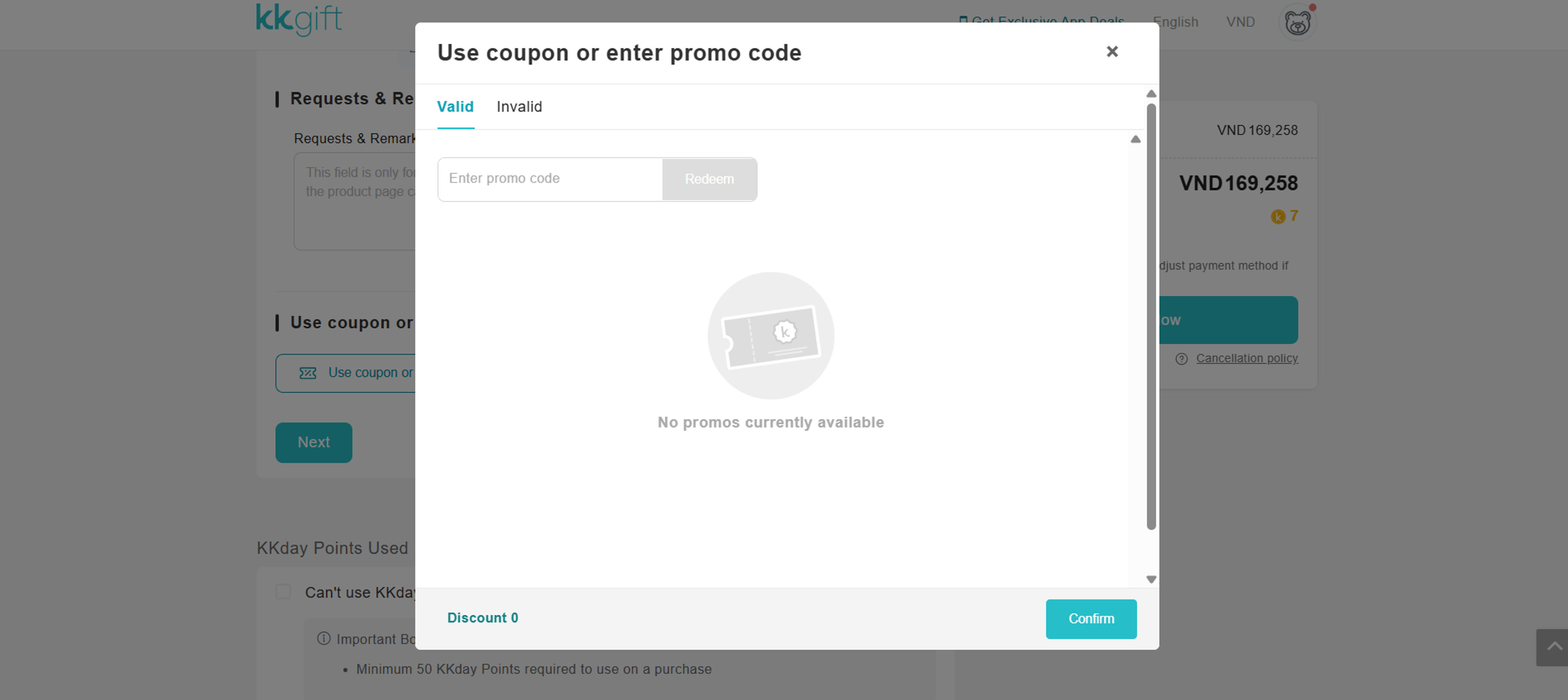
Can I use more than one KKday coupon on one booking?
Usually, only one coupon can be used for each booking. Check the coupon rules before applying it at checkout.
Where can I find the details of my KKday activity?
You can find activity details on the product page before booking. Always check the meeting point, time, and other important information.
What should I do if I am late for a KKday activity?
Contact the activity provider as soon as possible if you are running late. Entry may not be allowed if you miss the stated meeting time.
Can children join activities booked through KKday?
Children can join many activities available on KKday. Age rules and ticket prices may be different for each activity.
Can I use KKday Points to pay for a booking?
KKday Points can be used on eligible bookings. Check the payment page to see if your points can be applied.